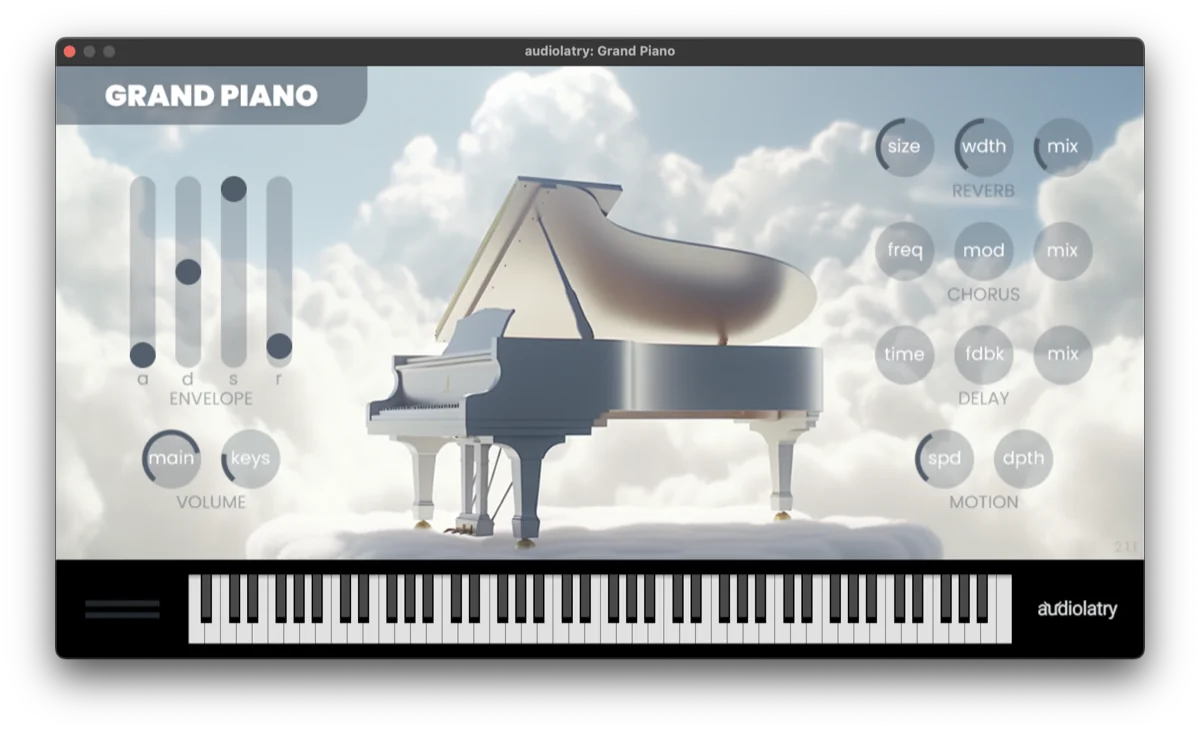
A selection of AU (macOS) / VST3 (Windows) plugins, all validated by the Jamodio team.
Free plugins first (often no signup) to get going fast.
You insert the plugin on your channel via the FX slot — how it works.
Links point to the publishers' official sites — Jamodio hosts no plugin.
Every plugin in this list has been verified in Jamodio (loads + processes audio correctly). We only list plugins we've actually tested — and the list grows as we test more. For the insertion procedure, see Audio plugins (AU & VST3) in Jamodio.
All validated by the Jamodio team
Free = completely free, no restrictions · Free version = free to use but with restrictions (time limit, reduced features, account required, periodic mute/beep in demo mode…).
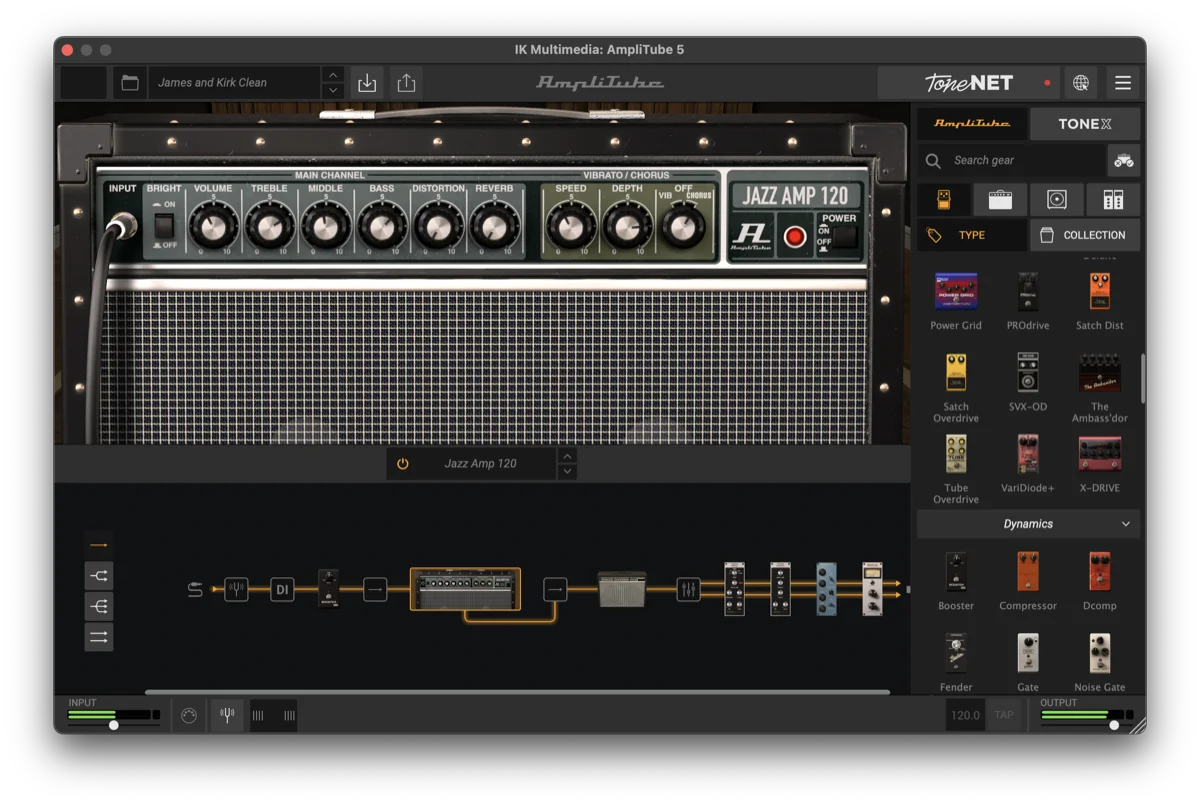
AmpliTube 5 CS
IK Multimedia
Free versionAU · VST3Mac · Win
Amp, pedal and cab simulator for guitar and bass. The Custom Shop version is free (expandable sound library as a paid option).
Tested a plugin that works well in Jamodio?
Let us know at support@jamodio.com — we'll add it to the list after checking.
About the links.
Jamodio neither hosts nor distributes these plugins: every link points to the publisher's official site. Brands, logos and artwork belong to their respective owners. Always check the plugin's license on the publisher's site.
If it does not work
A plugin from this list does not show up for you: check it is installed in the right format (AU on Mac, VST3 on Windows), then “Rescan all” in the plugins window.
It shows up, but greyed out: your version declares more latency than ours. Look for a “live” or “low latency” mode in its settings.
It loads, but you cannot hear it: bypass (●) may be on, or the plugin expects MIDI (an instrument) rather than your audio instrument.
You want to suggest a plugin to test: write to us with its name, version and your system.