Ethernet vs Wi-Fi — what actually changes
The essentials in 10 seconds
- Wi-Fi isn't "too slow" — it's irregular, and that's the problem.
- This irregularity is called jitter: it causes crackling even with good bandwidth.
- An Ethernet cable = stable and predictable latency, regardless of network activity.
- Bandwidth has almost no impact — Jamodio uses under 1 Mbps per musician.
The real problem: jitter, not bandwidth
When people think "bad connection", they think bandwidth — download speed. In reality, for playing live music, what matters is the regularity of the connection.
Jitter is the variation in latency from one audio packet to the next. If one packet arrives after 20 ms, the next after 35 ms, the next after 12 ms — even if the average is fine, the sound arrives in uneven chunks. The result: crackling, glitches, brief dropouts.
Wi-Fi
Crackling
Ethernet
Smooth audio
Each bar = an audio packet. Height represents arrival delay.
The numbers
| Connection type | Added latency | Typical jitter | Live playing? |
|---|---|---|---|
| Ethernet (cable) | 1 – 2 ms | < 1 ms | Ideal |
| Wi-Fi 5 GHz | 5 – 20 ms | 2 – 10 ms | Acceptable if alone on the network |
| Wi-Fi 2.4 GHz | 10 – 50 ms | 5 – 30 ms | Not recommended |
| 4G / 5G mobile | 20 – 80 ms | 10 – 50 ms | Insufficient |
| Active VPN | +30 – 100 ms | Variable | Turn off the VPN |
Bandwidth (almost) doesn't matter.
Jamodio uses ~500 Kbps per musician at maximum quality. Whether you have 30 Mbps or 1 Gbps, it doesn't change latency or jitter. It's regularity that matters, not speed.
Jamodio uses ~500 Kbps per musician at maximum quality. Whether you have 30 Mbps or 1 Gbps, it doesn't change latency or jitter. It's regularity that matters, not speed.
Why Wi-Fi is irregular
Wi-Fi is a shared radio technology. Several things disrupt its regularity:
Channel contention
Your neighbours use the same radio spectrum. Their downloads create collisions and retransmissions.
Physical obstacles
Every wall, door or floor the signal crosses reduces quality and increases retransmissions.
Power management
Wi-Fi modulates its transmit power based on distance. These adjustments create micro-pauses.
Retransmissions
A lost packet is retransmitted — taking variable time depending on current congestion.
How to plug in via Ethernet
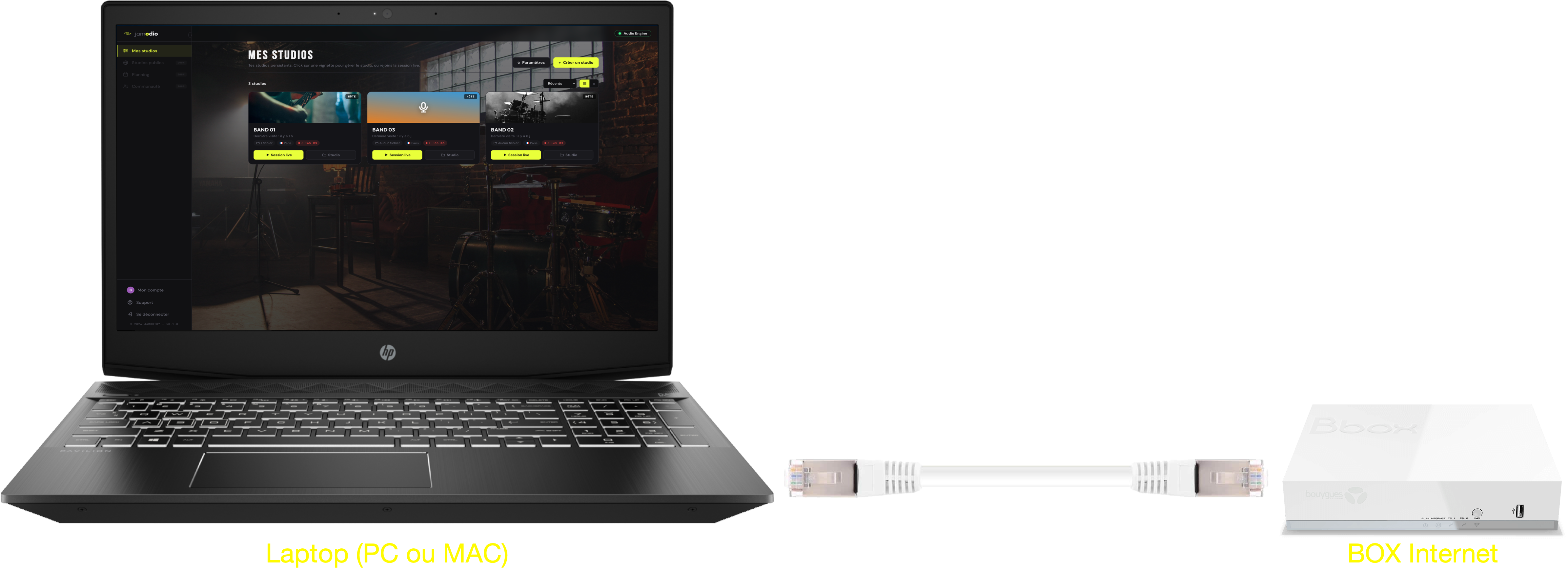
1
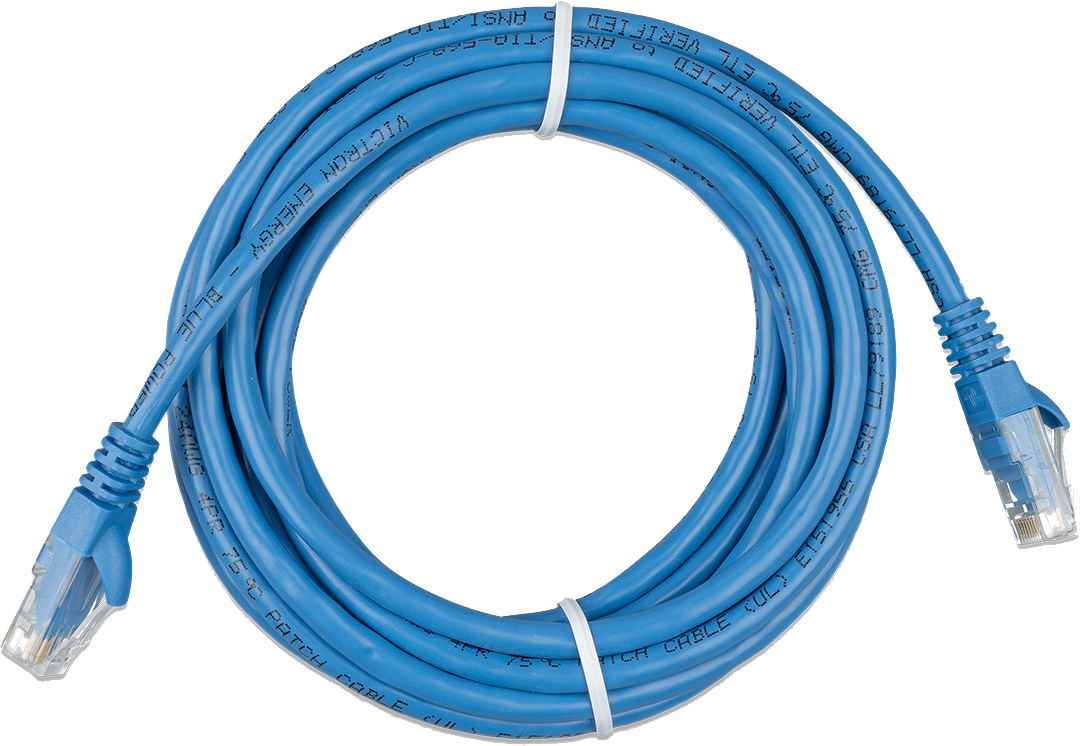
Computer → RJ45 cable → router
A Cat5e or Cat6 cable is more than enough. Length: up to 100 m with no quality loss. Sold everywhere, starting at €5.
2
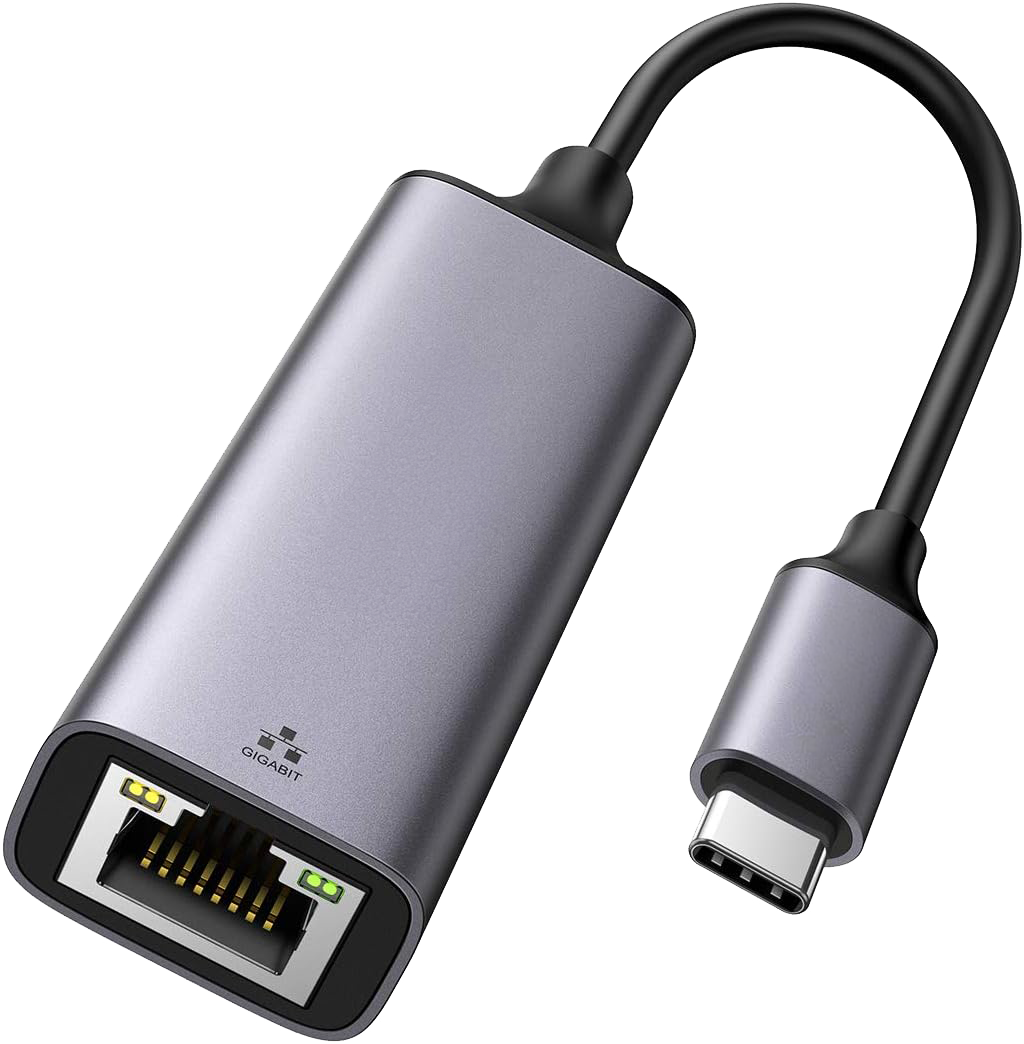
No Ethernet port on your Mac/PC?
A USB-C → Ethernet adapter works perfectly (€10–20). USB-C 3.0 adapters add no measurable latency.
3
Disable Wi-Fi once plugged in
On macOS: Wi-Fi menu → Turn off Wi-Fi. On Windows: Settings → Network → Wi-Fi → off. Depending on your system's configuration, Wi-Fi can stay prioritized even with Ethernet plugged in — which is why it's worth turning off.
If Ethernet really isn't an option
In some setups (rental apartment, too-short cable, desktop far from the router), Ethernet isn't feasible. In that case:
- Wi-Fi 5 GHz rather than 2.4 GHz — look for networks with "5G" in the name
- Move the computer closer to the router (avoid load-bearing walls)
- Play at off-peak hours (weekday evenings, not Saturday night)
- Turn off other devices downloading (Netflix, idle consoles…)
- Make sure no one else on the network is on a video call
Turn off the VPN before playing.
An active VPN wraps every audio packet in an encrypted tunnel — that adds 30 to 100 ms and doubles jitter. Turn it off before opening Jamodio.
An active VPN wraps every audio packet in an encrypted tunnel — that adds 30 to 100 ms and doubles jitter. Turn it off before opening Jamodio.
Network checklist
- Ethernet cable plugged: computer → router (no extra switch or hub)
- Wi-Fi disabled on the computer once the cable is in
- VPN disabled
- No downloads running (system updates, backups)
- Fiber or DSL? Fiber generally gives 4× less jitter